A new life for your iPad.
HomeView, on iPad.
Your home controls. Your everyday apps, redesigned.
One screen with a whole new purpose.

 Works with Apple Home
Run your evening scene. Check a camera.
Get the lights just right.
The accessories, scenes and cameras you’ve set up in Apple Home, together on a screen that stays within reach.
There’s more to come home to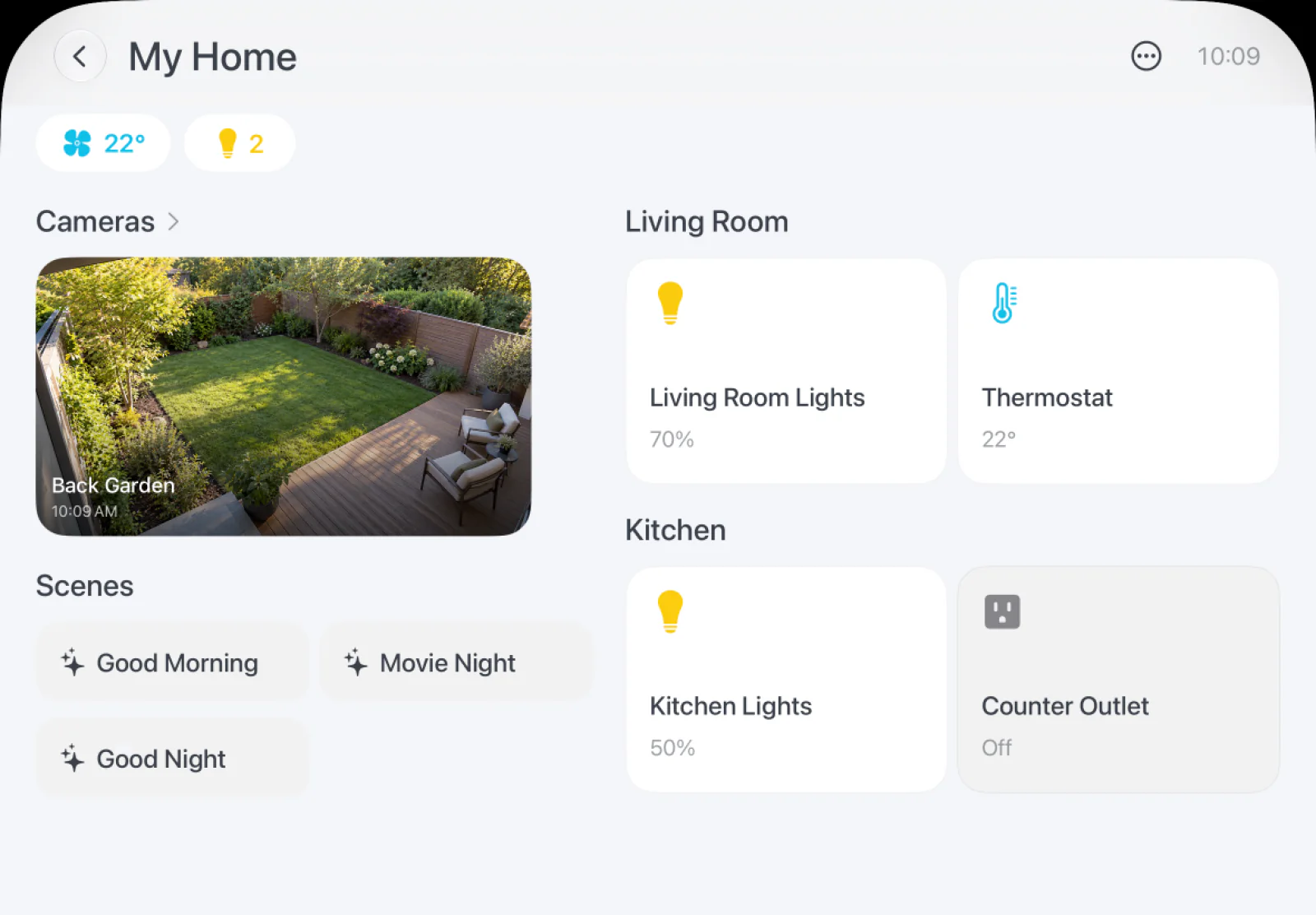
A tap for your accessories.
Lights, climate and your other HomeKit accessories, together in one place.
A scene for the moment.
Good morning. Going out. Settling in. Run the scenes you already use.
A window into your home.
Check compatible camera feeds while keeping your iPad right where you need it.
Requires compatible accessories configured in Apple Home and your permission.
Made for a different kind of screen.
Everyday apps.
Rethought for home.
HomePad’s built-in apps have been redesigned around the hub. More room for what matters. Easy to see, simple to use, and always a tap away.
Music, reimagined.
The kitchen.
Now playing.
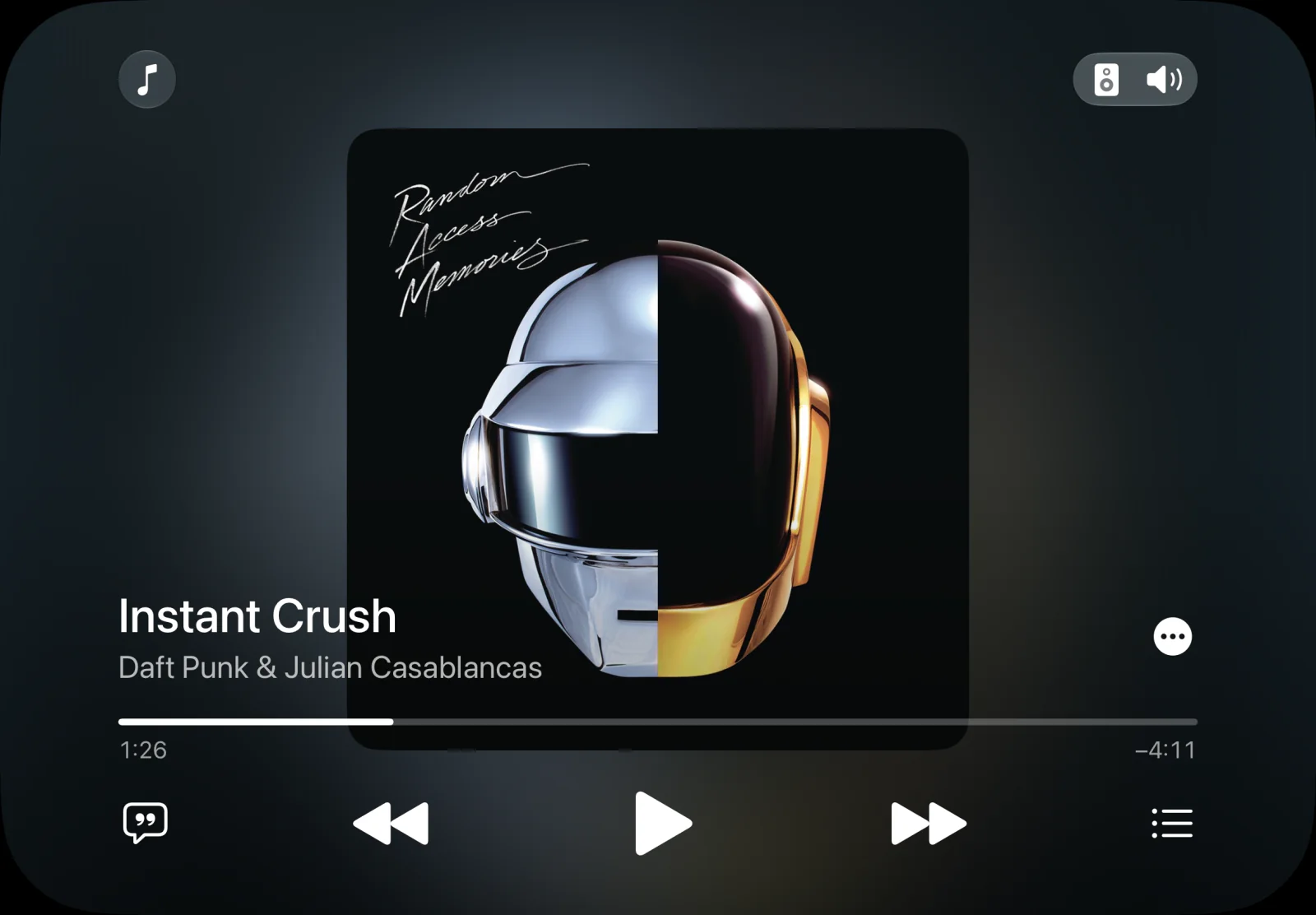
Your music deserves more than a tiny player. Artwork, your library and playback controls, redesigned for a screen that stays at home.
Calendar, reimagined.
Big plans.
All in view.
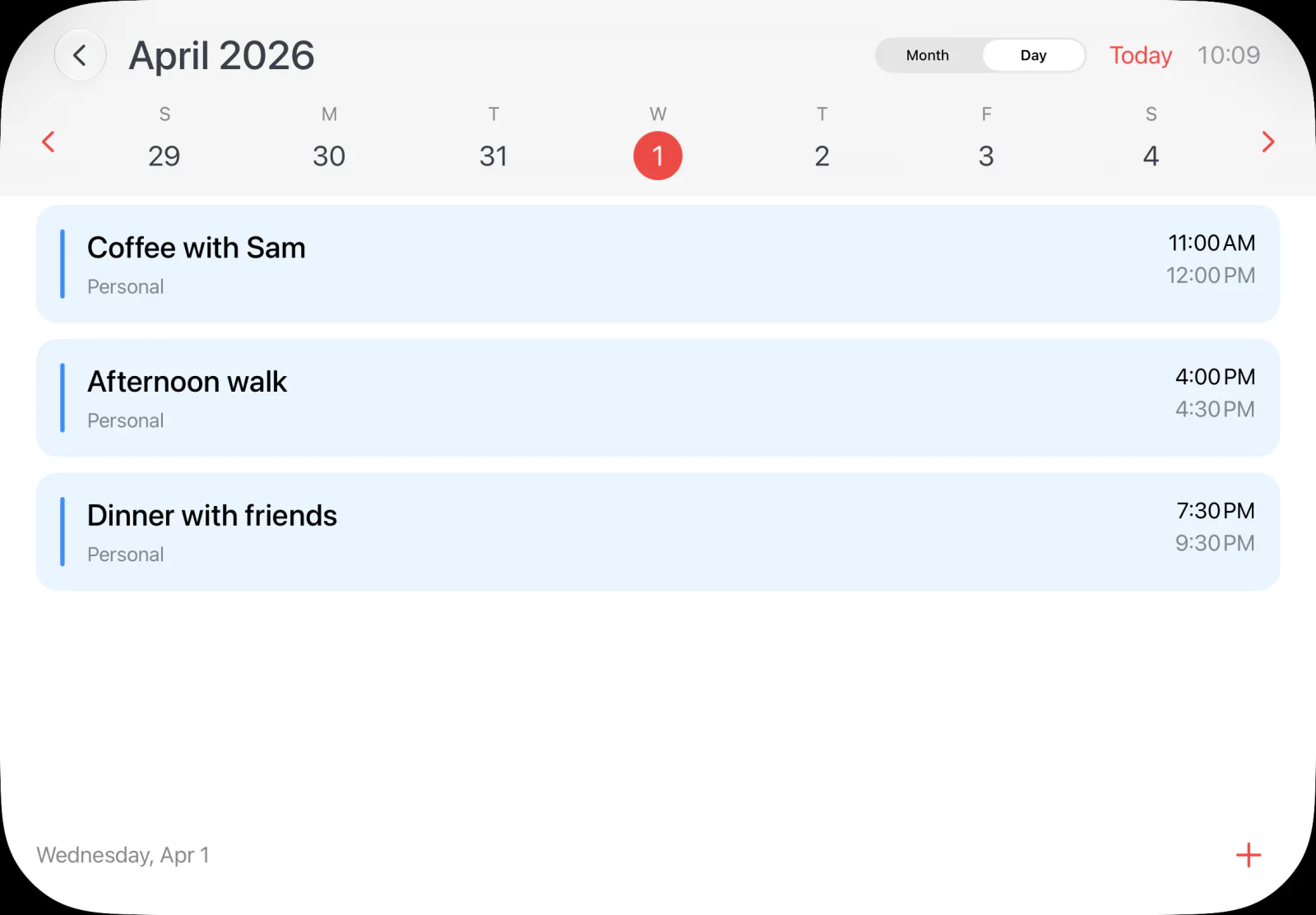
A closer look at today. A clear view of your month. Check what’s next or add an event, right from your hub.
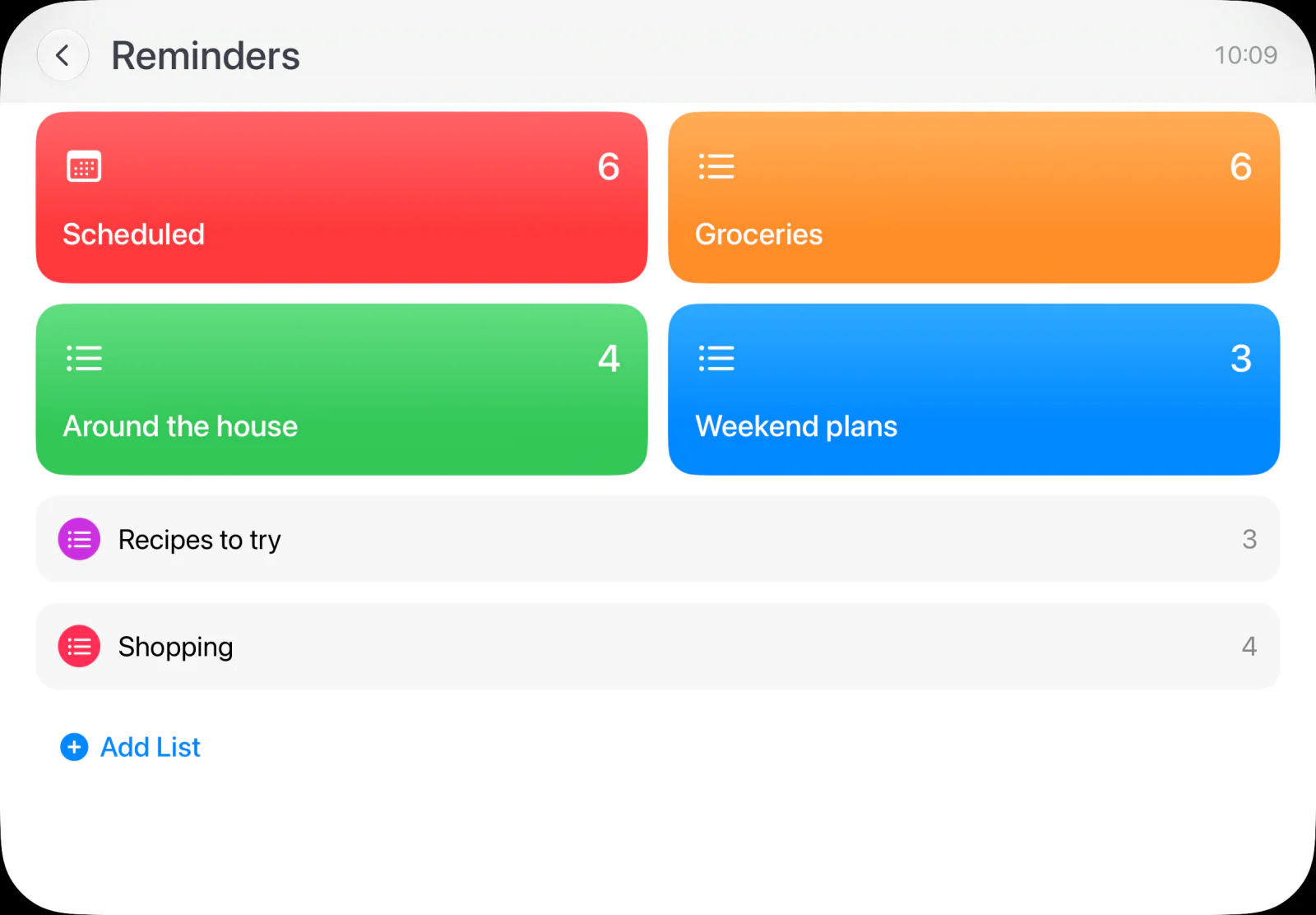
Reminders, reimagined.
A little less
to remember.
The shopping list. That thing you meant to do. Add, edit and check off your reminders in a space made for everyday life.
Weather, reimagined.
Before you
step outside.
Current conditions and the hours ahead. A forecast made for a quick glance on your way out.

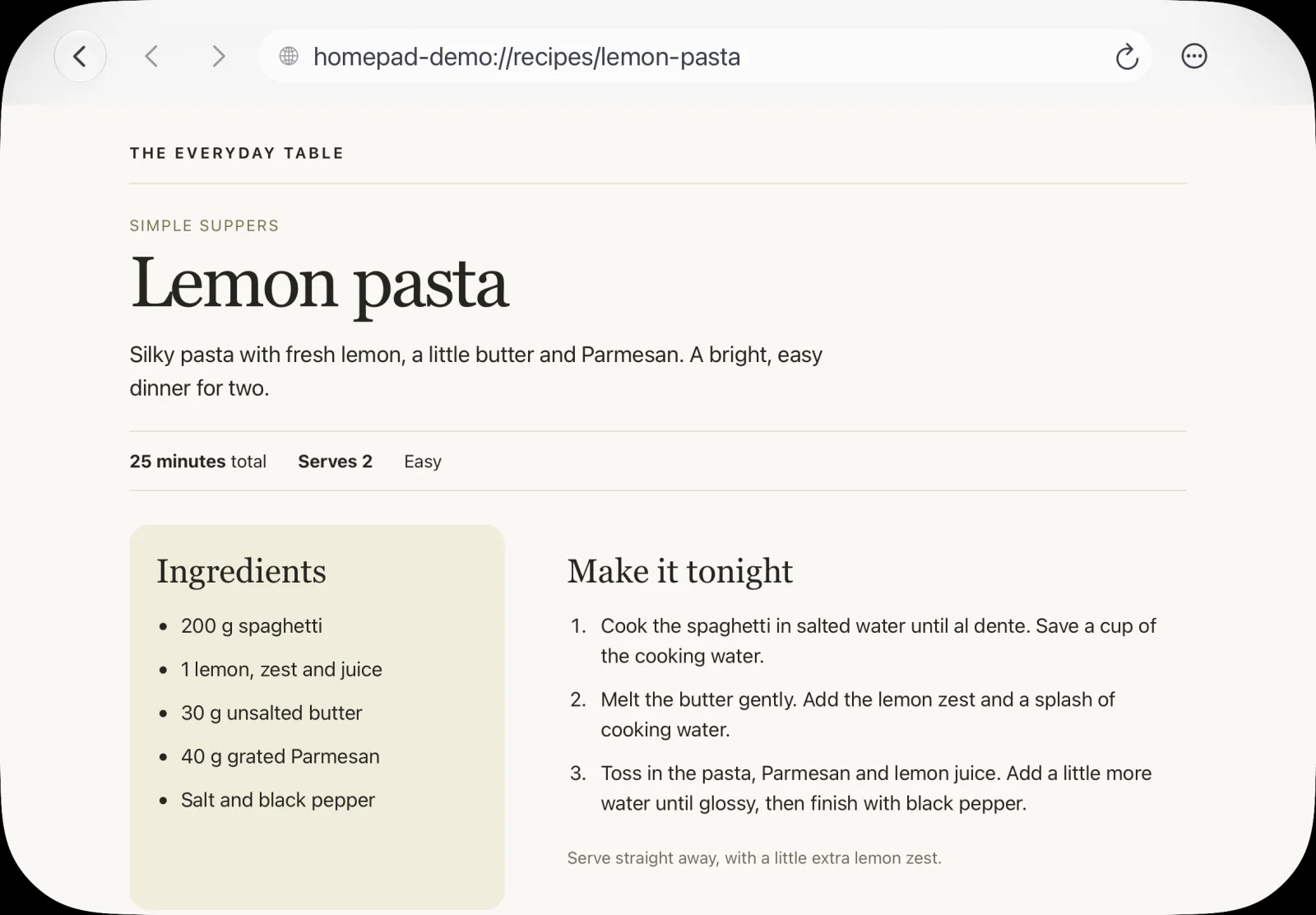
Browser, reimagined.
One more
ingredient.
Find a recipe, save a favorite or pick up where you left off. A browser that feels right at home on the counter.
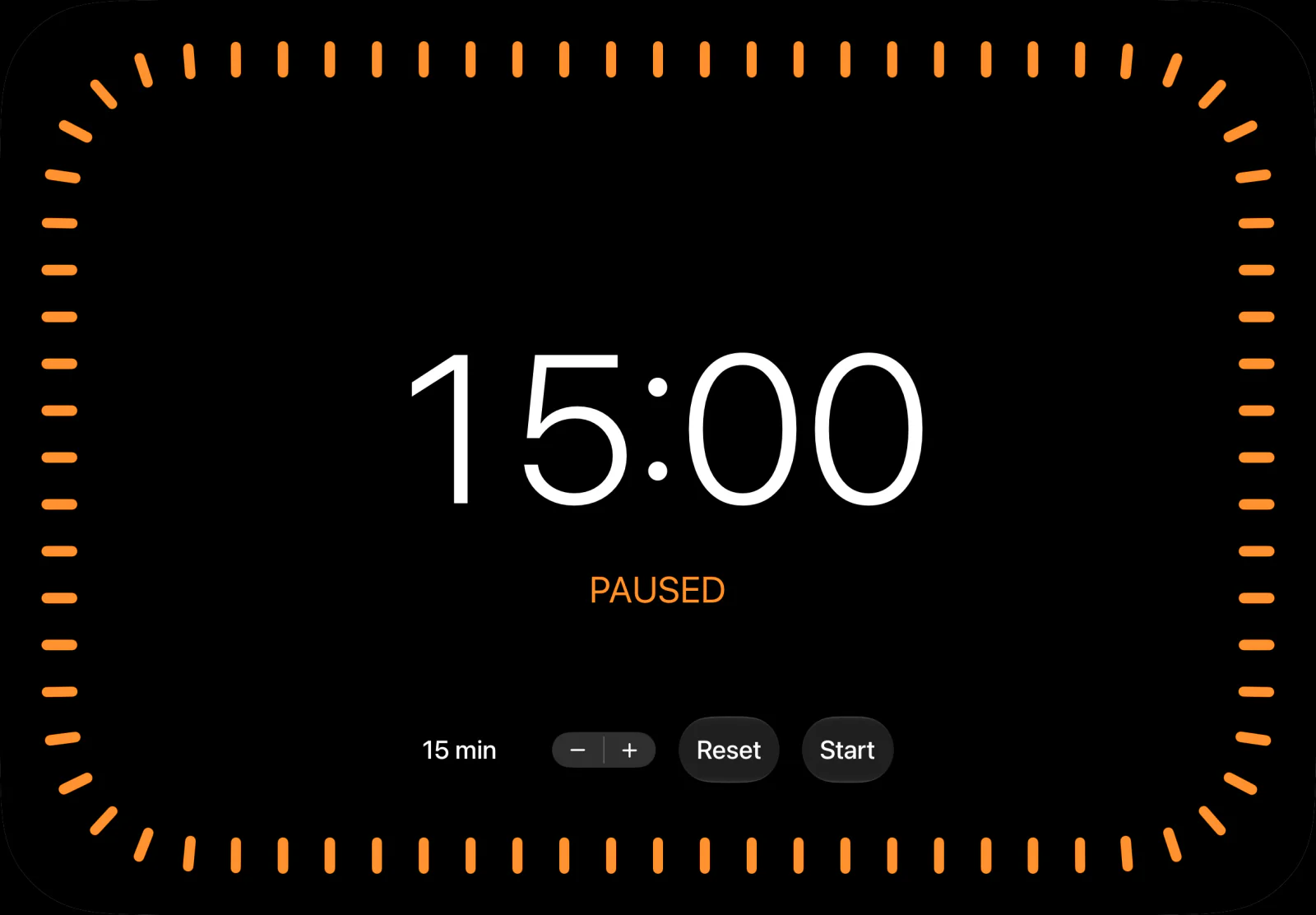
Timers, reimagined.
Good things
take time.
A big, clear countdown. Easy to set, easy to see. One less thing to juggle while dinner comes together.
More ways to feel at home.
Make yourself at home.
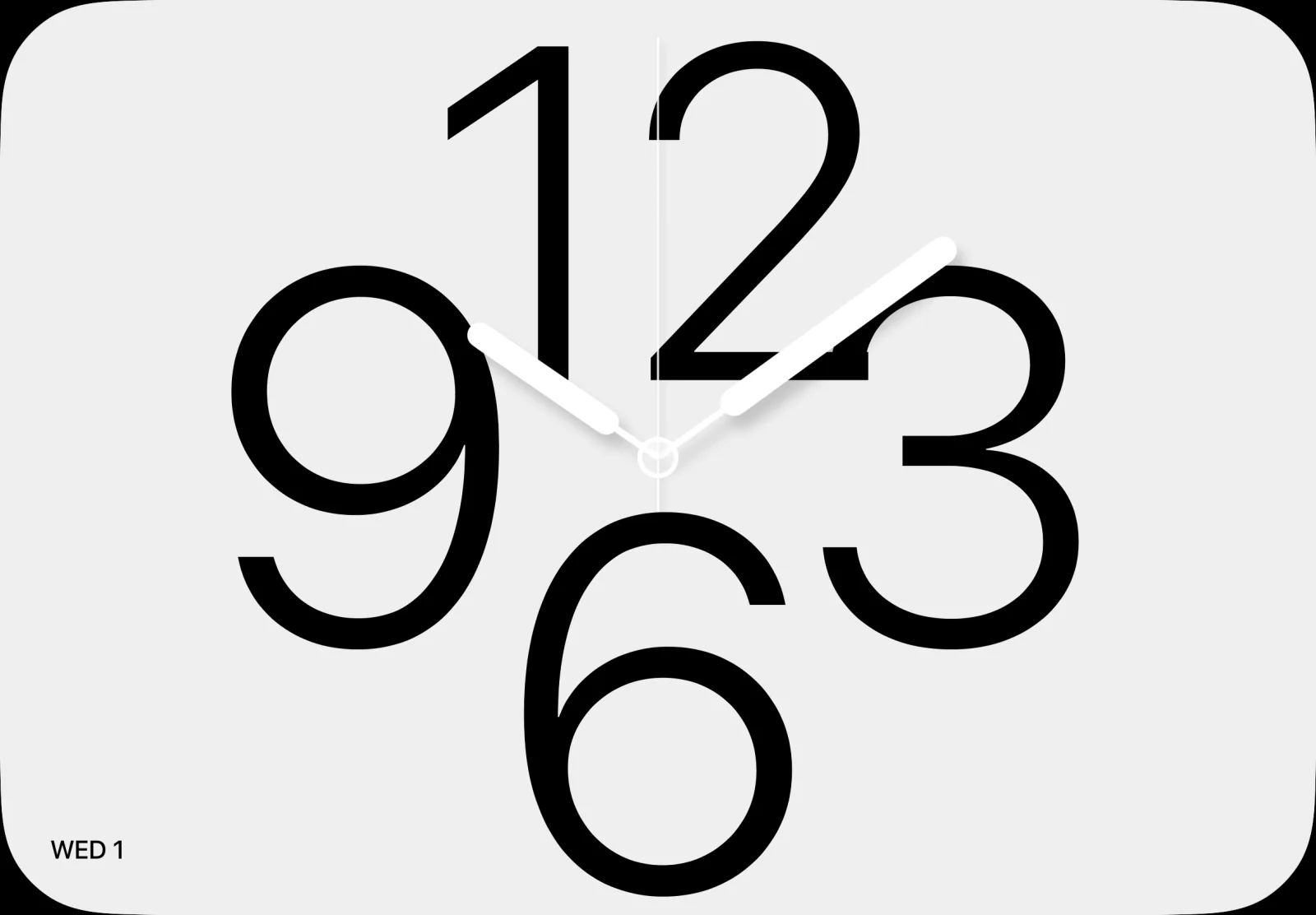
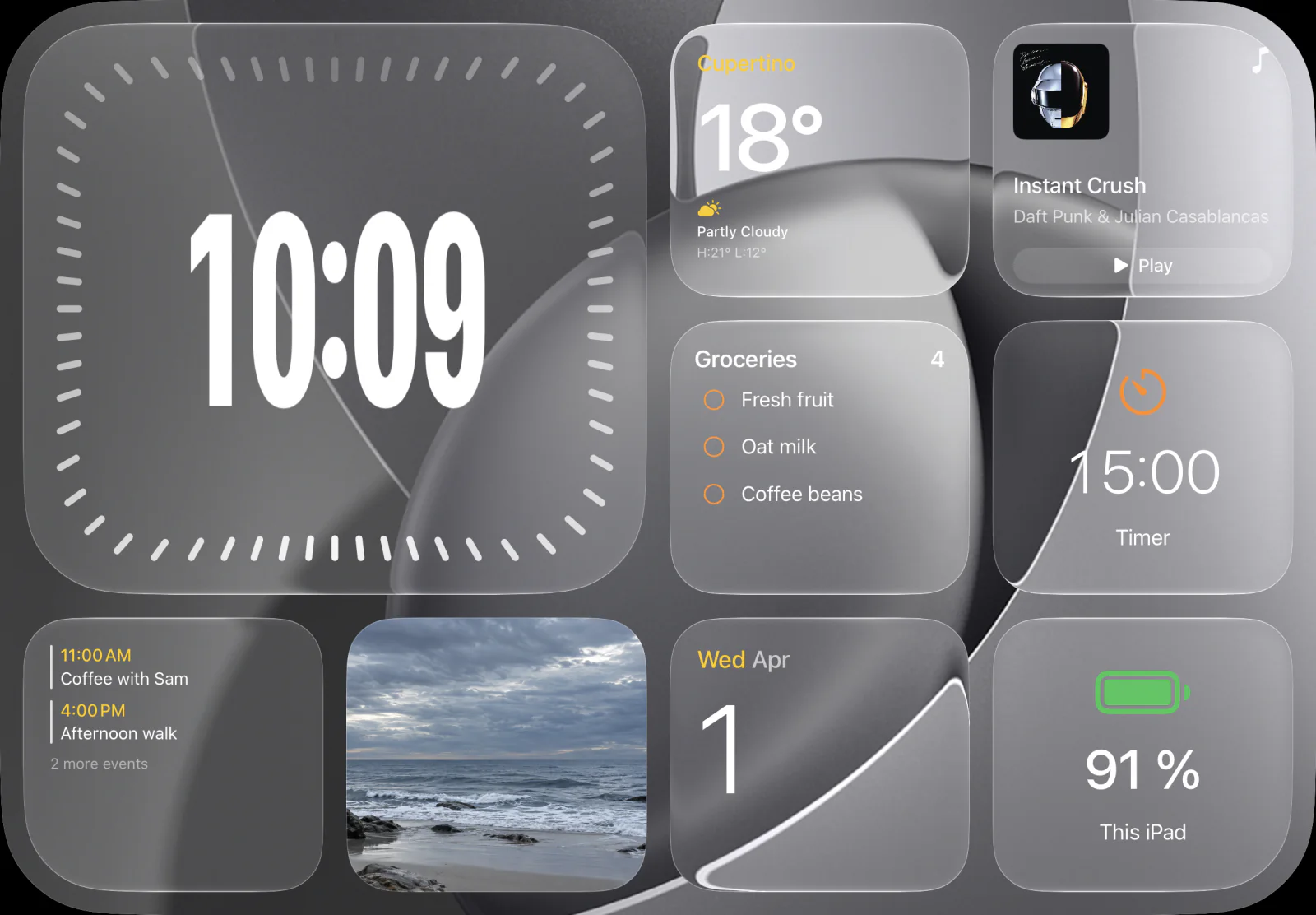
A clock
with a view.
Put a favorite photo on display, with a clock that becomes part of the picture. Even a quick look at the time can take you somewhere.

The idea behind HomePad
Same iPad.
Different life.
That iPad in the drawer still has plenty to do. Give it a place on the kitchen counter, beside your bed or at your desk. Bring your home controls, your music and your day back within reach.
If dedicated home displays aren’t available where you live, there’s another way to explore the idea. HomePad is an independent app for the compatible iPad you already own.
A few things to know.
What do I need?
A compatible iPad. A stand helps you find a place for it, but no dedicated home display is required. Check the app listing for supported models and iPadOS versions.
How does it work with Apple Home?
HomePad accesses your configured HomeKit accessories, scenes and compatible cameras with your permission. Available controls depend on your home setup. HomePad is a control screen; it does not replace an Apple TV or HomePod used as an Apple home hub.
Are the apps built into HomePad?
HomePad includes its own interfaces for Calendar, Reminders, Music, Home, Weather, Photos, browsing and timers. FaceTime has a contacts and favorites view inside HomePad, then opens iPadOS to place the call. Messages and Podcasts open their iPadOS apps. Connected services depend on your provider and permissions.
Is HomePad made by Apple?
HomePad is an independent app, inspired by the home display experience. It is not affiliated with or endorsed by Apple, and does not include every HomeView feature.
Can I get it in my country?
Availability will be shown in the app listing for your region when the download link is available.

HomePad for iPad
Welcome
home.
A new place for the iPad
you already call yours.